

Need to install a premium plugin, a custom build, or something that isn’t listed in the official directory? Uploading a ZIP file is the quickest way to get it running on your site.
In the next two minutes you’ll learn how to safely add any plugin from a ZIP package, activate it, and confirm everything is working-no code, no FTP, just a few clicks inside your WordPress dashboard.
- Open your WordPress Plugins screen
- Click Upload Plugin
- Choose your zip file and click Install Now
- Activate the plugin
Step-by-step walkthrough
-
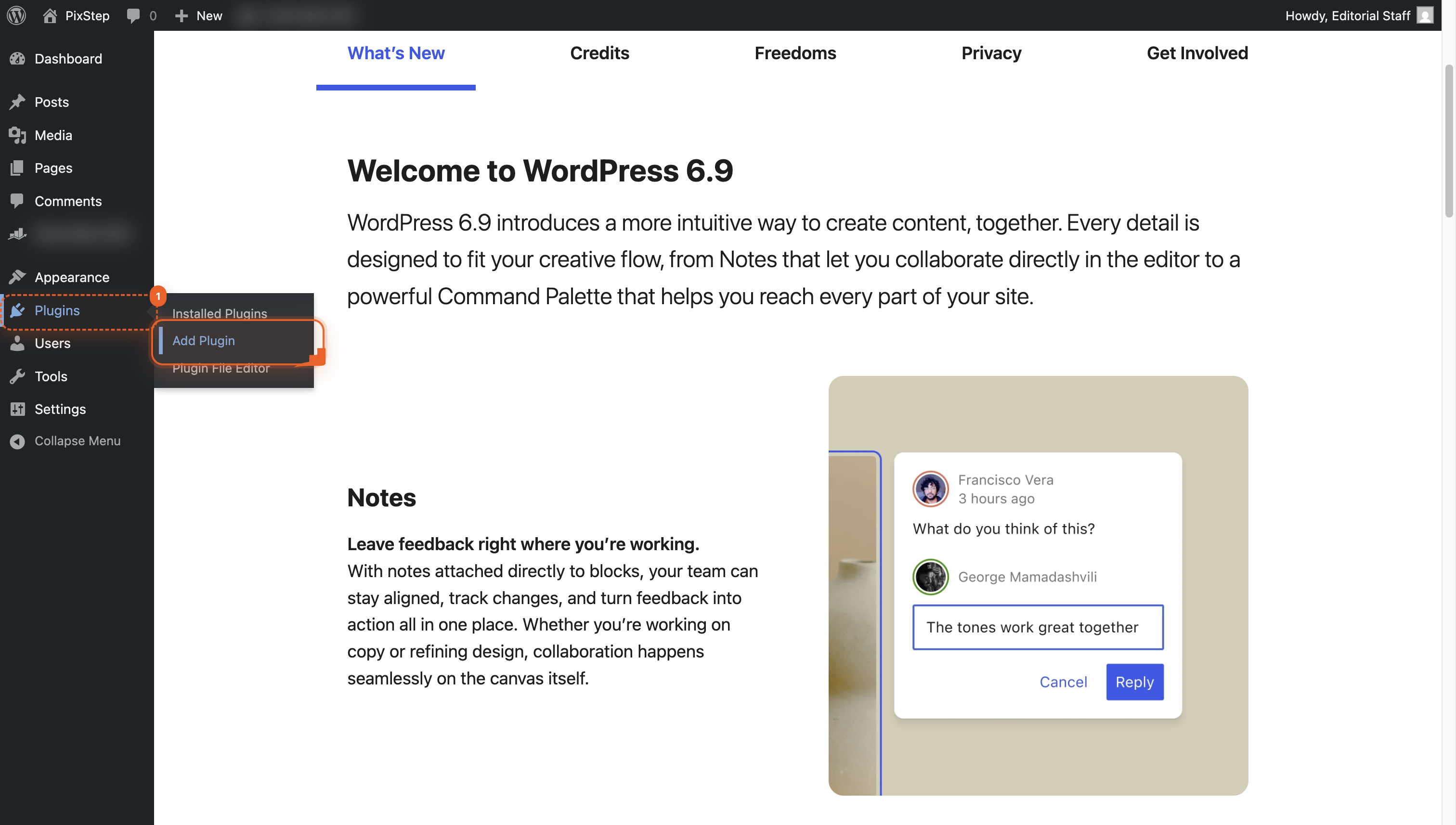
Open Plugins menu
Navigate to the Plugins menu in your WordPress dashboard so you can add a new plugin.
-
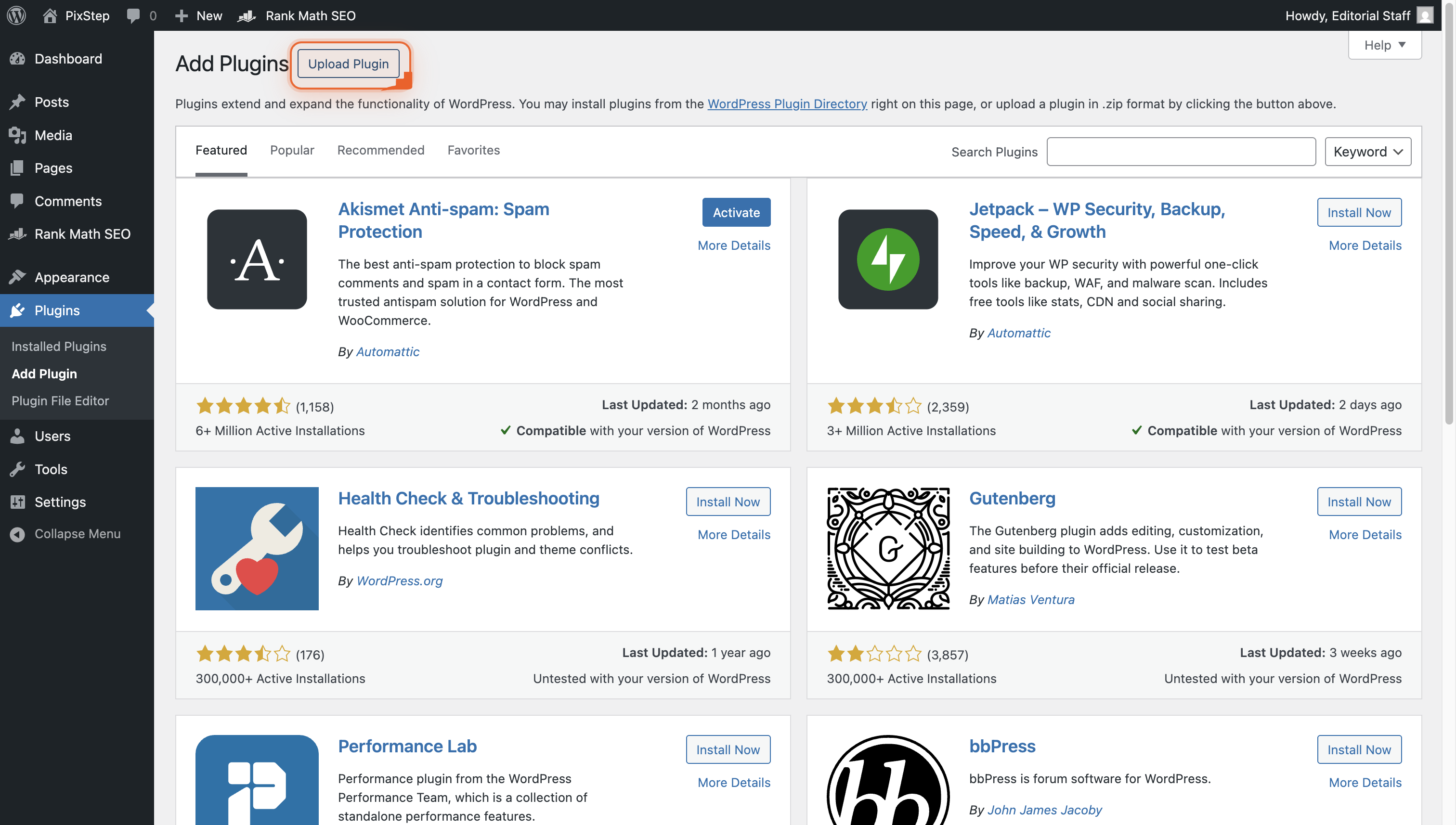
Click Upload Plugin
Click the 'Upload Plugin' button at the top. This opens the form where you can add your own plugin zip file.
-
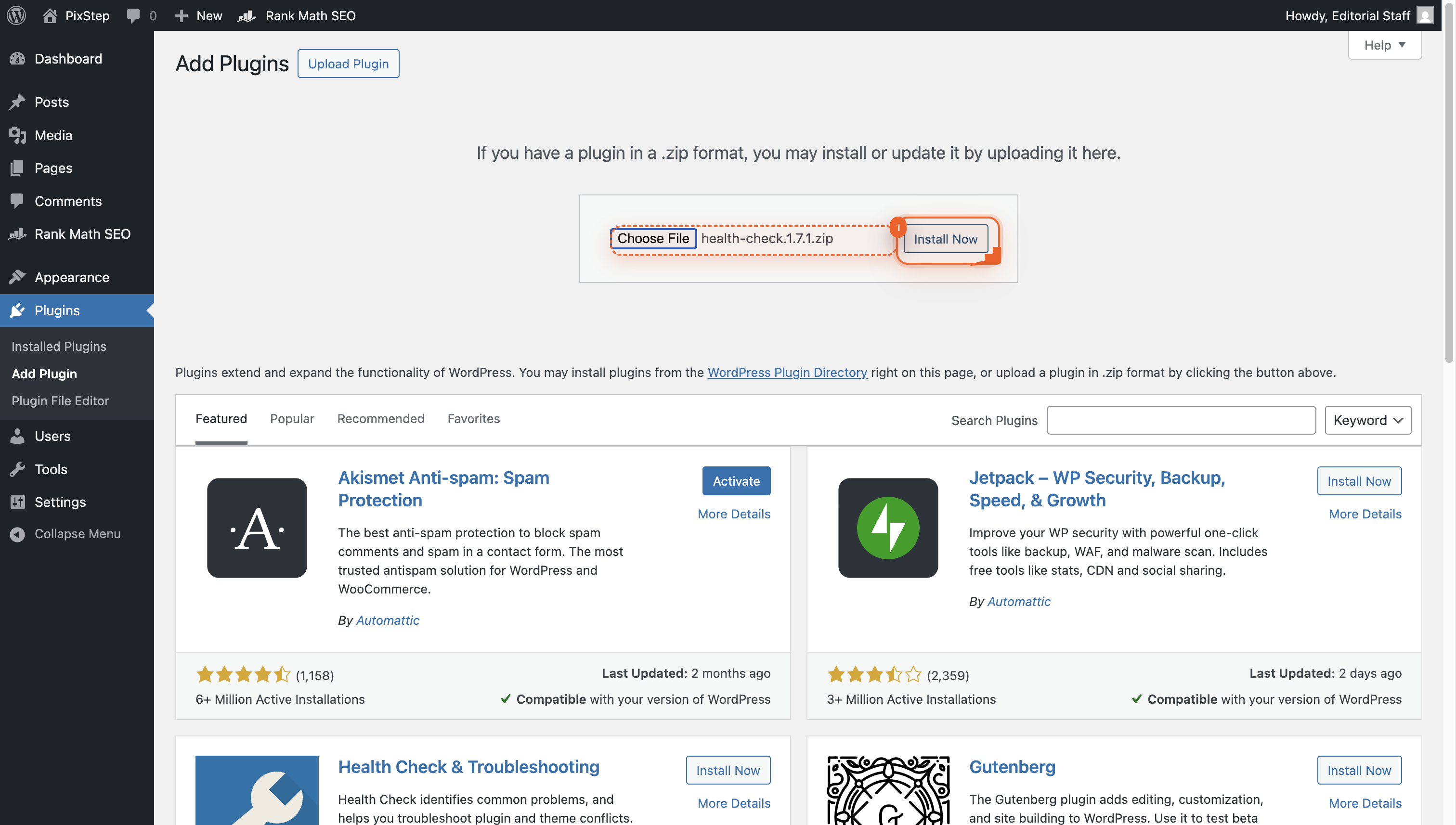
Click Install Now
Click the blue Install Now button to upload the plugin zip file you just chose. WordPress will unpack and prepare it for you.
-
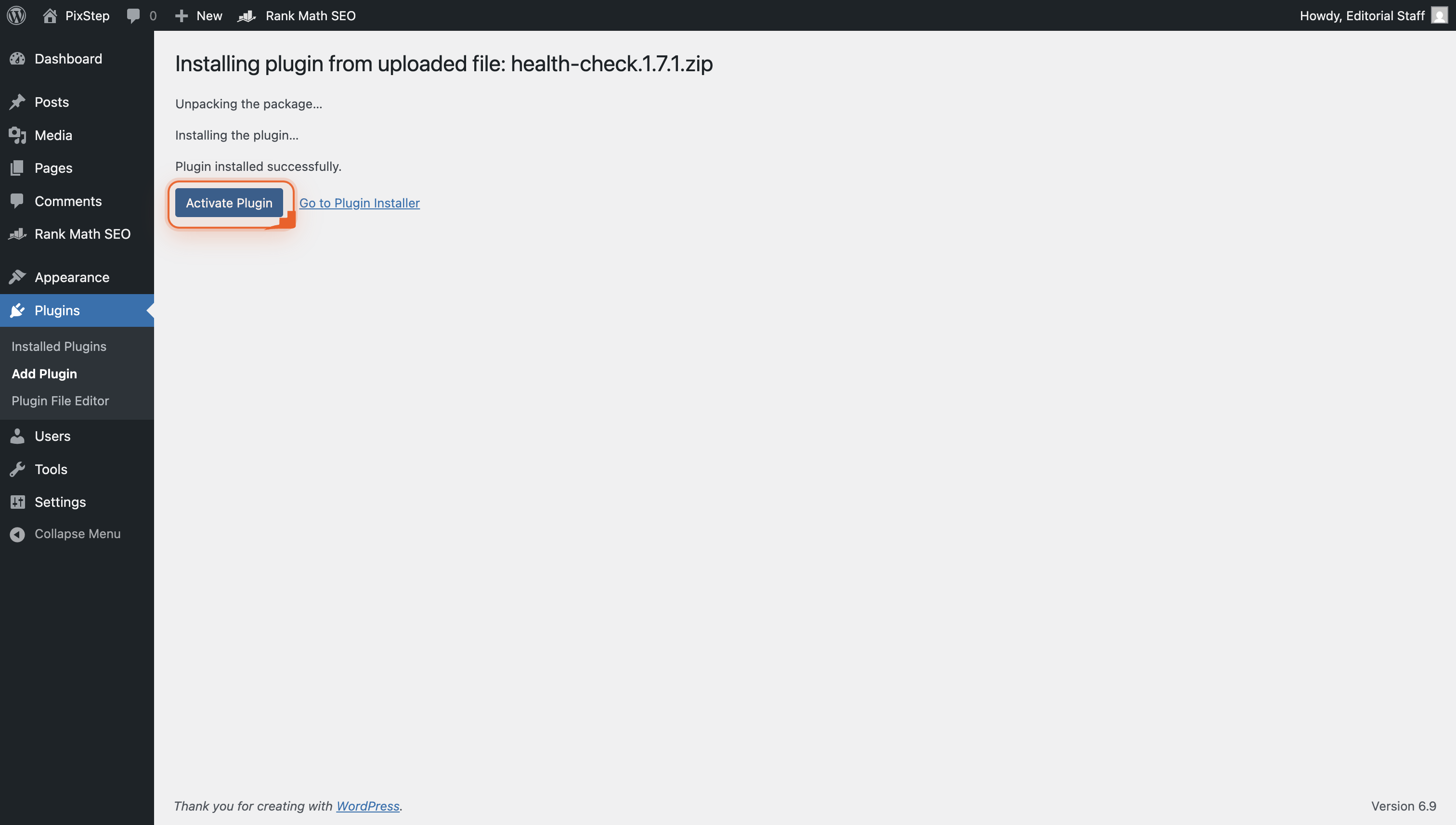
Activate the plugin
Click the Activate Plugin link so the Health Check tools start working on your site.
Pro Tips
- Back up your site before uploading-ZIP plugins can still conflict.
- Only install ZIPs from trusted developers to avoid hidden malware.
- Check the zip contains one top-level folder named after the plugin.
- If the upload fails, verify the ZIP is under your host’s file-size limit.
FAQ
- What if I see “The uploaded file exceeds the upload_max_filesize directive”?
- That means the ZIP is larger than your host allows. You can either unzip the plugin on your computer and upload it via FTP to wp-content/plugins/, or ask your host to raise the PHP upload limit for you.
- Can I delete the ZIP after the plugin is installed?
- Yes-WordPress copies the files out of the ZIP during install, so the original upload is no longer needed. You can safely remove it from your computer or media library to keep things tidy.
- Why don’t I see an “Upload Plugin” button?
- If the button is missing, your user role probably lacks the install_plugins capability. Log in with an Administrator account, or ask a site admin to upload the ZIP for you.
You’re all set-your new plugin is live and ready to use. Whenever a premium or custom tool arrives as a ZIP, you can have it running in under a minute without leaving your dashboard.
Join the discussion
0 Comments